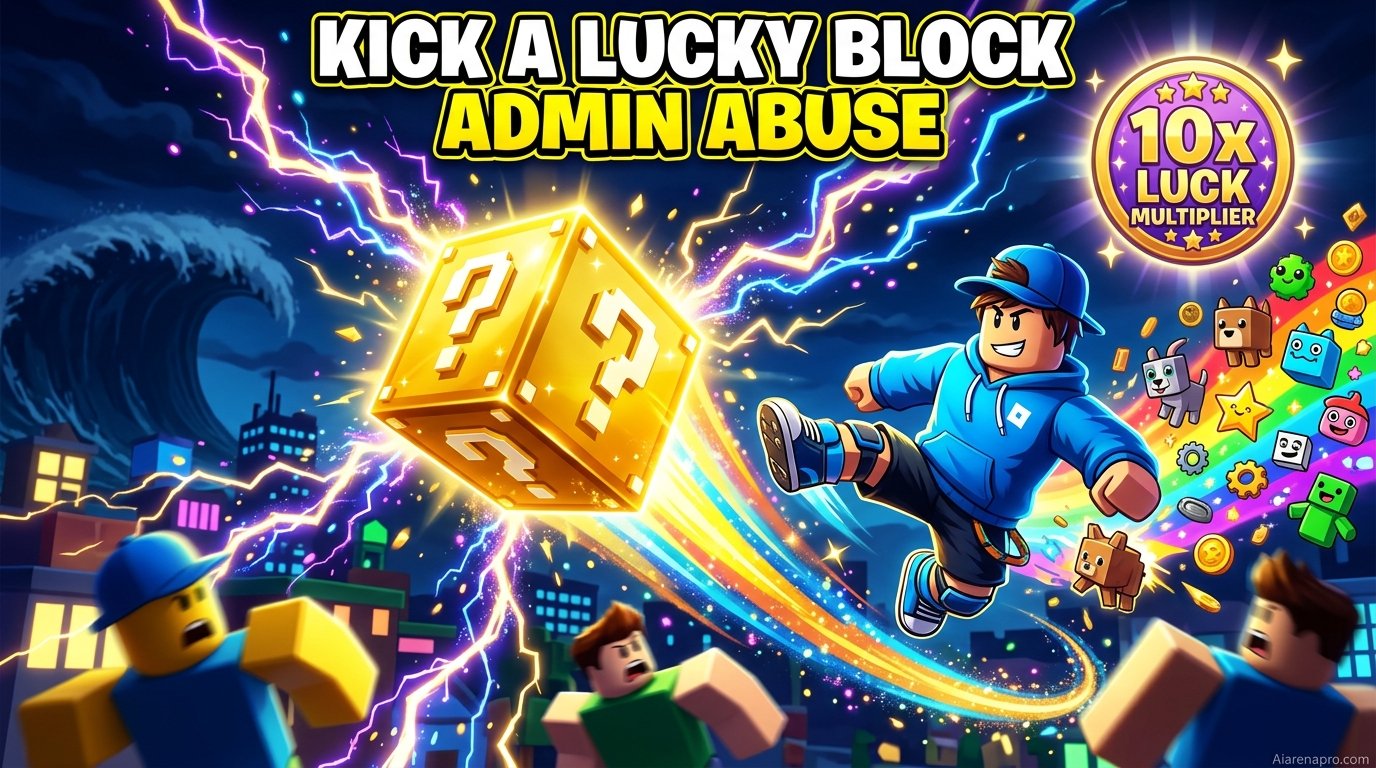
Kick a Lucky Block Admin Abuse (September 2026) Next Event Time & Boosts
Missing an Admin Abuse in Kick a Lucky Block means waiting a whole week to farm OG and Celestial brainrots…

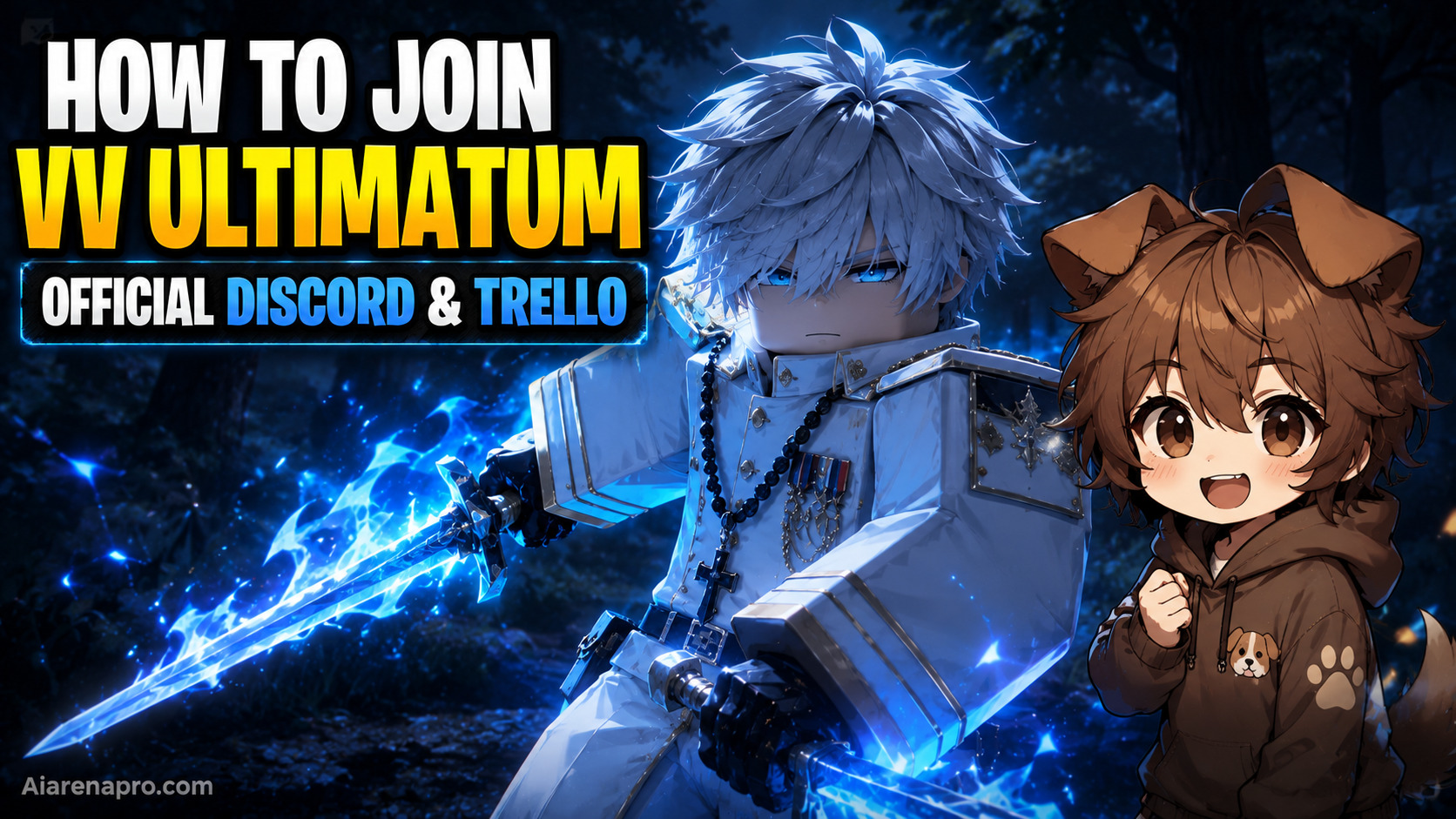
VV Ultimatum is one of the hottest Bleach-inspired RPGs on Roblox right now — and if you’re playing it without joining the official Discord and Trello, you’re flying blind. These platforms are where codes drop first, patch notes land before anywhere else, and the dev team actually talks to players. Here’s everything you need to join both in under two minutes.
| Resource | Purpose | Account Required? |
|---|---|---|
| Official Discord | Announcements, codes, community | Yes (Discord + RoVer verify) |
| Official Trello | Game mechanics, factions, weapons | No |
| Roblox Group (Midnight Continent) | Early access invites, community | Yes (Roblox) |
The official VV Ultimatum Discord is where all the action happens — codes, patch notes, balance changes, and direct dev communication go here first.
Steps to join:
Pro Tip: Without completing RoVer verification, you’ll only see limited channels. Finish it to access announcements, builds, and giveaways.
Once verified, head to these key channels:
The official Trello board works like a living wiki — no sign-up needed, and it’s publicly accessible to everyone.
Official Trello Link: https://trello.com/b/t1sTgMQW/vv-ultimatum-trello-info-v1
Simply open the link in any browser and start browsing. No Trello account required.
| Category | What You’ll Find |
|---|---|
| Races/Factions | Shinigami, Quincy, Hollow/Arrancar details |
| Weapons | All weapon types, stages, and upgrades |
| Charms | Buffs, abilities, and how to equip them |
| Skill Trees | Hakudo, Speed, Strength, Kido paths |
| Quests | Main story questline breakdown |
| Equipment | Armor, materials, and where to find them |
| Bosses & Locations | World areas and boss spawn info |
Note: If the Trello board shows as private, the devs are likely updating it. Check the Discord #announcements channel for a new link.
There’s one more resource worth joining — the Midnight Continent Roblox Group, which is the official developer group for VV Ultimatum. Joining it may be required to redeem certain codes and gives you early access signals when major updates drop.
Roblox Group Link: Search “Midnight Continent” on Roblox or access it directly from the game’s page under the developer’s profile.
No. As of September 2026, there is no official Wiki. The Trello board and Discord server are the two official resources. Use Trello for game mechanics and Discord for live updates.
No, the board is set to public. Anyone can open it and browse without creating an account or logging in.
You need to complete RoVer verification inside the server. Follow the bot’s on-screen instructions to link your Roblox account and unlock full channel access.
New codes are posted in the Discord #announcements or #codes channel first. You can also check our VV Ultimatum codes page for the latest verified working codes.
Yes. Previously, inviting 10 friends to the Discord server granted early access. Check the server’s pinned messages for any active early access programs.