
12 Best Amazon Black Friday Sale Sony TV Deals (December 2026) Authentic Reviews
Your old TV finally gave up, the living room wall is empty, and every storefront you scroll past is shouting…

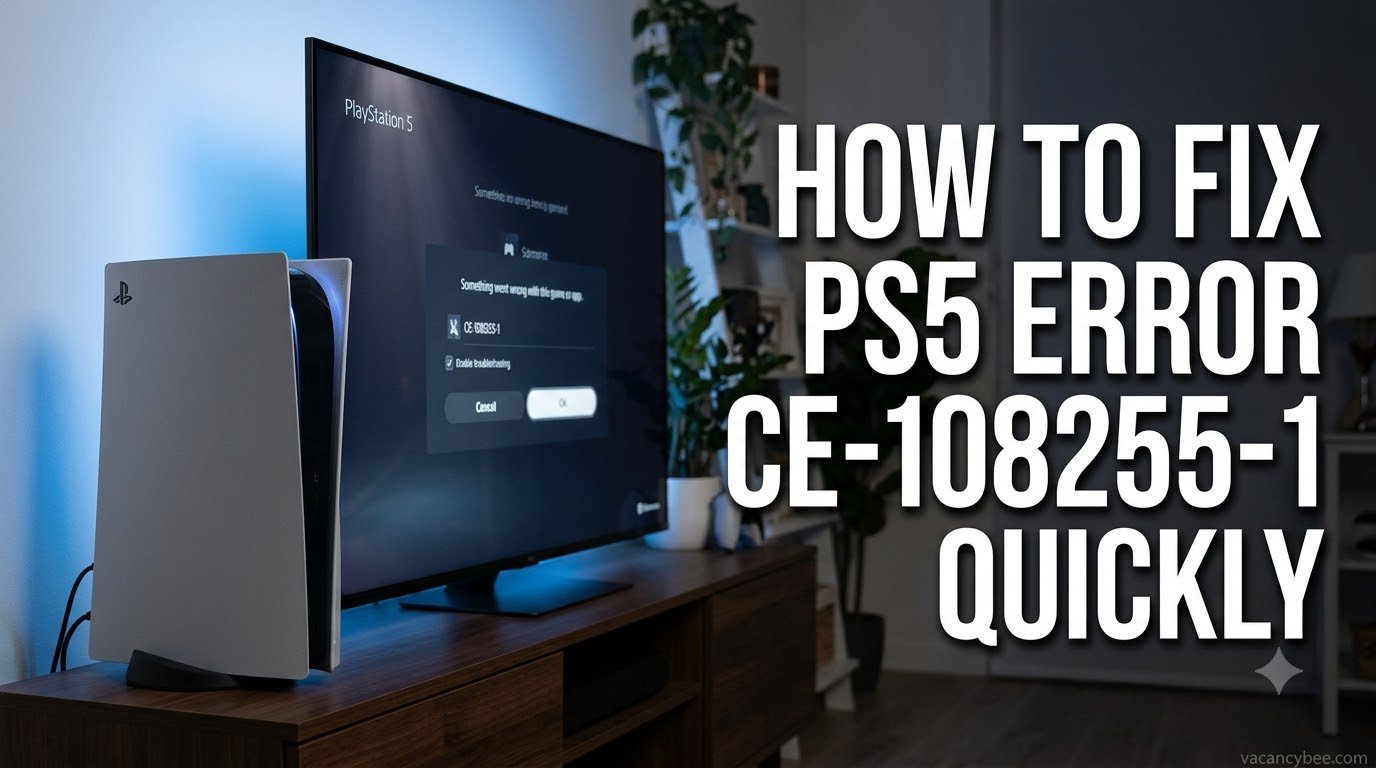
PS5 error CE-108255-1 means a game or app has crashed and kicked you back to the home screen with the message “Something went wrong with this game or app.” I’ve watched this code flood PS5 communities through the December 2026 GTA 6 launch week, and the fastest fix is updating the game, then updating your PS5 system software. If the crash keeps coming back, rebuilding the database from Safe Mode clears corrupted data without deleting a single game. Use the table to jump straight to the fix that matches your situation, then work down the ladder if the crash returns.
| Fix | Time | Best for |
|---|---|---|
| Update the game | 2–5 min | One game crashing |
| Update PS5 software | 5–10 min | Several games crashing |
| Power cycle | 2 min | Random one-off crashes |
| Clean the disc | 2 min | Disc copies only |
| Rebuild database | 20–60 min | Crashes that survive updates |
| Restore licenses | 1–3 min | Digital games crashing |
| Reinstall the game | 15–45 min | Suspected corrupted files |
| Factory reset | 30–60 min | Nothing else works |
| Book a repair | Varies | Hardware suspected |
CE-108255-1 is PlayStation’s generic “the application stopped unexpectedly” code. Sony’s own support page offers exactly one instruction — update your game — and points everyone else to PlayStation Repairs, because the error describes a crash, not a specific fault. That’s why it looks identical whether the trigger is corrupted game files, outdated firmware, a smudged disc, or, more rarely, a failing SSD.
You’ll see the “Report Problem” dialog after every crash. Reporting it to Sony is optional; it helps their telemetry and never affects your saves. Because the code carries no diagnosis, the reliable approach is a fix ladder: start with the two-minute software updates that solve most cases, escalate to storage-level fixes, and only reset or repair when every game on the console is affected.
Timing matters for this error right now. Grand Theft Auto VI launched in December 2026, and a wave of CE-108255-1 crashes came with it — the game drops to the home screen during the opening cutscene, Lucia’s prison sequence, Jason’s boat section, or mid-mission with no warning. One launch-week Error History screenshot I checked logged seven CE-108255-1 crashes between 12:23 AM and 1:11 AM. That pattern points at software, not dust.
Both the original PS5 and the PS5 Slim are affected. Overheating is an unconfirmed theory, because brand-new consoles crash the same way. Rockstar had shipped version 1.002.001 just before launch but has not released a confirmed crash-fix patch as of December 2026, so keep the game and system updated — the moment a patch goes live, it should stop most of these crashes on its own.
This is Sony’s official instruction for CE-108255-1, and it fixes the majority of cases.
For GTA 6, confirm you’re on version 1.002.001 or newer — the pre-launch patch alone cleared the error for some players when older builds crashed on boot.
Outdated firmware conflicts with newer game builds, and several games crashing at once points here.
A full power cycle flushes the memory a quick rest mode wake never touches.
Disc copies crash when the read fails mid-session. Eject the disc and hold it under light: fingerprints and smudges wipe off with a soft microfiber cloth, stroking in straight lines from the center outward. Deep scratches or cracks mean the disc itself is done — replace or switch to digital. Skip this step entirely on digital editions; there’s nothing to clean.
This is the fix long-term CE-108255-1 sufferers report working most often. It reindexes your storage and clears corrupted data without deleting games or saves.
Expect 20–60 minutes depending on drive size. Nothing is deleted, but it’s worth backing up saves first out of habit.
Digital games that crash on launch sometimes lose their license sync after a network hiccup.
A corrupted install survives updates, so deletion is the only cure.
If the error outlives every step above, reset the console. Back up saves to a USB drive or PS Plus cloud storage first — Settings → System → Back Up and Restore — then use Reset PS5 from the Safe Mode menu or Settings → System → Reset Options. Reinstall your games fresh; a clean system rules out every software cause in one move.
When every game crashes, or the console also freezes outside of games, you’re looking at a hardware fault — likely storage-related rather than the games. Stop troubleshooting and book a service through PlayStation Repairs on the official support site; warranty coverage may apply.
Corrupted game files, outdated game or system software, a damaged disc, or a storage fault. Sony officially describes it only as “an error occurred with the game/application,” so the cause usually comes from testing the fix ladder.
No. Rebuild Database reindexes your drive; games, saves, and settings stay intact. It just takes 20–60 minutes, and a backup first is cheap insurance.
It’s the big launch-week issue of December 2026 — repeated mid-session crashes with no confirmed patch yet. Stay on the latest game and system updates, because a Rockstar fix should land through a patch, not a console setting.
Yes. Smudges and scratches interrupt disc reads and crash the game. Clean it with a microfiber cloth; replace it if it’s cracked or deeply scratched.
After the full ladder fails — especially if every game crashes or the console misbehaves outside games. That pattern points to hardware, and PlayStation Repairs is the official next step.