10 Best 85 inch TVs For Large Living Rooms (November 2026) Buying Guide
Your bright, open living room has a wide wall and a sofa opposite, but the screen could dominate the space…

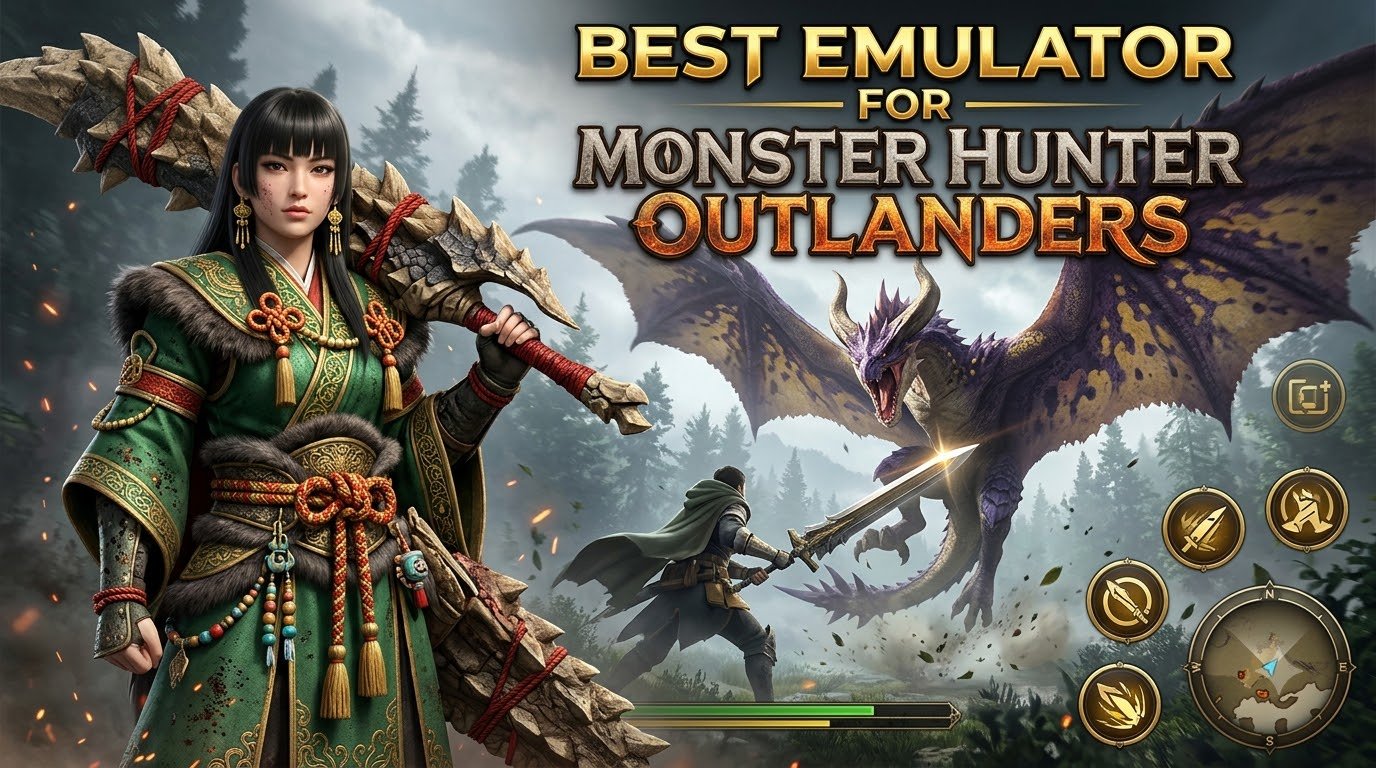
Monster Hunter Outlanders launched on October 29, 2026 — iOS and Android only — and chasing frenzied Radiant beasts on a six-inch screen is rough on the eyes and the thumbs. So I installed the game on the three biggest Android emulators, BlueStacks 16, MuMu Player 15 and LDPlayer 9, and hunted with each one for days. Below I share the emulator I’m actually keeping, the exact settings I changed, and quick fixes for the stuttering everyone’s complaining about. If you want keyboard-and-mouse hunts on a big screen, here’s everything I learned.
LDPlayer 9 is the best emulator for Monster Hunter Outlanders in November 2026. It was the only emulator I tested that unlocked Very High graphics automatically, held roughly 60 FPS in the open world, and mapped my keyboard the moment the game finished installing. MuMu Player 15 renders a sharper image but stutters badly during fights, while BlueStacks 16 locks the game to Medium graphics and freezes frequently.
Here’s the full picture at a glance:
| Rank | Emulator | Graphics unlocked | Keymapping | Performance | Verdict |
|---|---|---|---|---|---|
| 1 | LDPlayer 9 | Very High, auto-unlocked | Automatic | ~60 FPS, drops in big fights | Best overall |
| 2 | MuMu Player 15 | Sharpest image of the three | Manual setup | Frequent combat stutter | Best visuals |
| 3 | BlueStacks 16 | Medium only | Awkward | Freezes and frame drops | Last resort |
One thing to understand before you pick: this game is demanding, and it’s the reason several emulators never even get it running.
There’s no official PC version of Monster Hunter Outlanders — Capcom, TiMi Studio Group and Level Infinite shipped it mobile-only on 2026‘s biggest launch date, and no Steam build has been announced. An Android emulator is the only way to hunt on a monitor, and none of the three companies endorses one, so you’re in unsupported territory.
The hard floor is the catch: Outlanders requires Android 12 or higher, and the official spec sheet recommends Android 12+/iOS 17+ on devices with 6 GB of RAM or more (about Snapdragon 8 Gen 2 / Dimensity 9200 tier). The download alone is roughly 16 GB on Android and 20 GB on iOS. Many emulators still default to Android 9 or 11 instances — which is exactly why BlueStacks 5 and GameLoop failed to install the game for testers. Choose an emulator with a modern Android instance or it won’t boot at all.
LDPlayer 9 gave me the most comfortable week of hunting. The moment installation finished, my keyboard was already mapped — attack, dodge, item wheel, everything — and I was fighting within a minute. The emulator detected the game and unlocked graphics options BlueStacks never showed me, including Very High, and the frame rate held around 60 FPS while exploring.
My setup: the recommended CPU configuration plus the Vivo iQOO 12 Pro device profile. Two honest warnings: frame drops still hit during large monster battles, and villages crowded with other players became less stable. One trick that transformed my hunts: I raised mouse sensitivity to 49, which made the camera snap around fast enough for emergency dodges.
MuMu Player 15 rendered noticeably crisper than BlueStacks 16 — foliage, armor details and monster textures all pop — and it stayed playable. I ran it on an ROG Phone 9 device profile with six CPU cores and 5 GB of RAM, and it still stuttered and dropped frames mid-fight, which stings in a game built around timing dodges against enormous monsters.
Setup is the bigger annoyance. MuMu 15 — not the older MuMu 9/12, which lacks this mapping system — makes you open the keymapping editor and assign every key yourself before the game feels good. One community tip worth stealing: enable the Control Key to lock the mouse, and turn hints on. If you enjoy tweaking, the image quality is a genuine reward; if you want to play five minutes after installing, it’s friction.
BlueStacks 16 gets Outlanders running, but it was my least comfortable option. Graphics are capped at Medium, the frame rate felt locked with little headroom, and I hit frequent stuttering, sudden freezes and visible drops mid-combat. Mouse control was the one bright spot: with the game’s lock-on system, aiming worked fine.
Installation trips people up too — BlueStacks 5 couldn’t install the game at all in my tests, and you need BlueStacks 14 or newer. If BlueStacks is already your daily driver, it’s playable; I just wouldn’t choose it specifically for this title.
Even after all this, my phone ran Outlanders smoother than any emulator — fewer frame drops, zero setup, plus native controller support. But phones throttle and overheat on long hunts, and charging mid-quest makes it worse. My honest take: hunt on your phone if it meets the recommended spec (6 GB+ RAM, Android 12/iOS 17+), and switch to LDPlayer for the big screen, keyboard-and-mouse precision, or whenever your battery is dying halfway through a siege.
Yes — but only through an Android emulator such as LDPlayer 9, MuMu Player 15 or BlueStacks 16. There’s no official PC client or Steam release as of November 2026.
LDPlayer 9 with 4 cores, 4 GB RAM and Normal in-game graphics is the most forgiving setup. GameLoop and MEmu fail outright because their Android instances are too old for the game’s Android 12 requirement.
No emulator is endorsed by Capcom, TiMi or Level Infinite, so a small risk exists — but I found no reports of Outlanders bans for emulator play. Use your main account at your own discretion.
LDPlayer. It unlocked Very High graphics and auto-mapped my keys, while BlueStacks capped me at Medium with frequent freezes. Only pick BlueStacks if it’s already installed and you can’t switch.