
12 Best Amazon Black Friday Sale Sony TV Deals (December 2026) Authentic Reviews
Your old TV finally gave up, the living room wall is empty, and every storefront you scroll past is shouting…

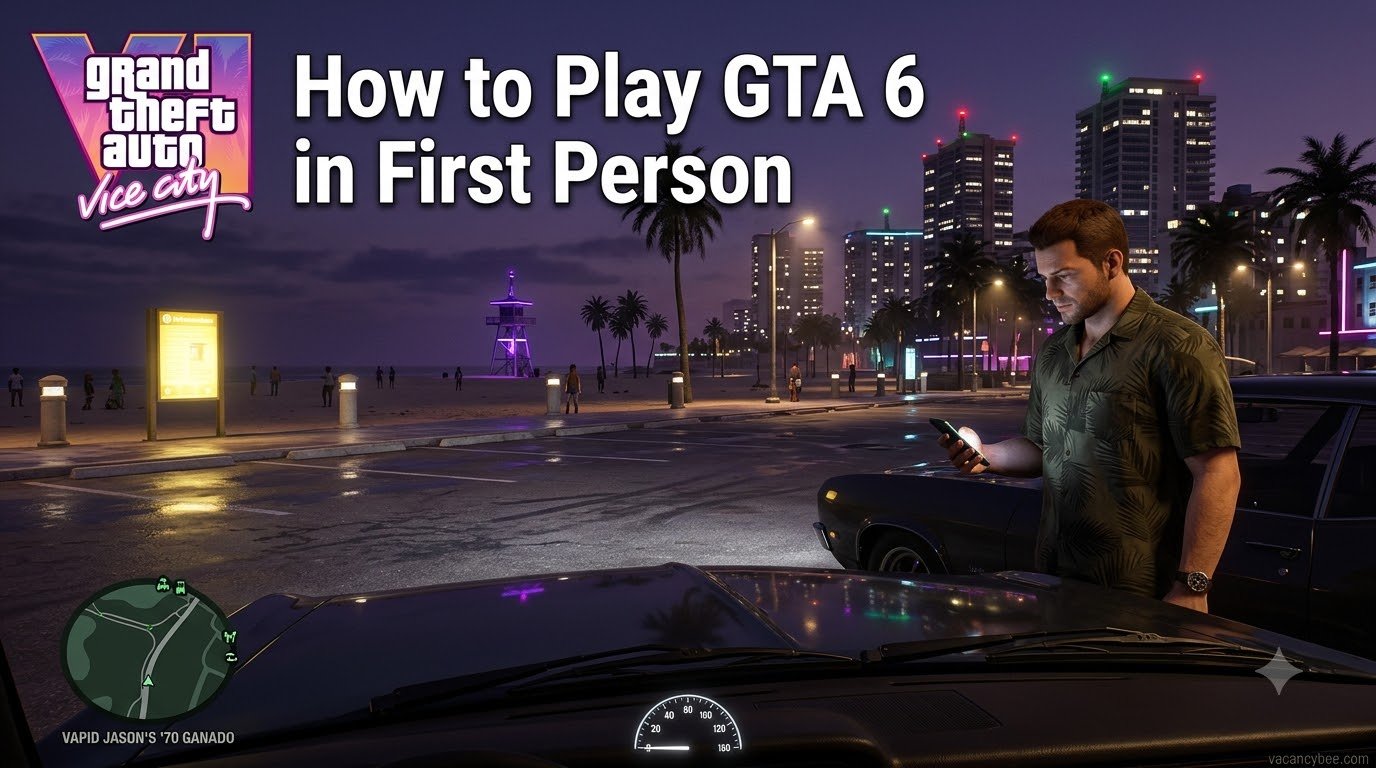
GTA 6 shipped without an official first-person mode, but a simple controller glitch unlocks it right now on PS5 and Xbox Series X|S. You remap one camera setting, sit in any vehicle, pull up your phone, close it, and spam the Touch Pad or View button until the camera locks behind Jason’s or Lucia’s eyes. The whole thing takes under a minute, works for both protagonists, and reloading a save returns you to the normal third-person view. Below I break down the exact steps, how to exit first person, what works and what breaks in this view, and whether Rockstar will patch it or make it official.
| Detail | Info |
|---|---|
| Official first-person mode | Not included at launch |
| Glitch method | Camera button remap + phone trick |
| Platforms | PS5 and Xbox Series X|S |
| Works with | Jason and Lucia |
| How to exit | Reload a save |
| Patch risk | Rockstar can remove it in any update |
Two minutes of prep saves hours of pain. Since the game offers no camera toggle once the glitch lands, everything you do after it activates — missions, purchases, exploration — happens in first person until you load that save. My advice: make the save right outside a safehouse so the reload drops you somewhere useful.
This remaps the button that normally opens the map so it cycles the camera instead — the foundation of the entire glitch. If you skip it, the trick will never trigger.
Timing is everything. The glitch triggers when the phone-stow animation and the camera toggle collide, so don’t panic if nothing happens on the first attempt.
Open and close the phone again, spamming the camera button every single time. After a few tries the view should snap into first person while you’re in the car — and it stays locked when you step out. From there you can drive around Leonida, explore on foot, shoot, and talk to NPCs entirely from your protagonist’s perspective.
Stuck in third person after 10+ tries? Two fixes: slow down your phone-close-and-spam rhythm so the inputs register separately, or try the on-foot variant — mash the camera button while pulling the phone up and down outside a vehicle.
Most failed attempts come down to the same four reasons:
There’s no button to undo the glitch — the camera stays locked until you load a save. Pause the game, load the manual save you made beforehand, and the view returns to normal immediately. Restarting the app doesn’t reliably help, and players report the first-person view can persist through sessions, so keep that pre-glitch save exactly where you left it.
I expected a broken novelty, and it’s shockingly polished instead. Driving, shooting, and phone animations all play out properly from behind the eyes, which strongly suggests a finished first-person mode is sitting in the game files, just switched off. Aiming and pressing R3 raises your weapon to eye level for true aim-down-sights, and missions — including close-quarters activities — line up surprisingly well. Veterans will remember GTA 5’s first-person mode felt exactly like this before it officially existed, right down to the working steering animations.
Still, expect rough edges:
Rockstar never promised first-person for GTA 6. Before launch, Rockstar North co-studio head Rob Nelson confirmed the game was built around third-person animation work, with first-person reserved for aiming certain weapons and using your phone — which is exactly why this glitch works so well. No official mode has been announced as of December 2026, but history favors patience: GTA 5 launched without first-person too, then added a full mode one year later. Until Rockstar decides, treat this as a temporary gift — it can be patched out in any title update. If you’re holding out for a PC release to tinker with settings like these, our best laptops for GTA V/VI guide shows what hardware you’ll need.
No. Rockstar confirmed the game launches without a full first-person mode. You only get native first-person moments while aiming certain weapons or checking your phone — this glitch fills the gap for everything else.
Yes. Xbox players swap the Touch Pad for the View button and press B to stow the phone; every other step is identical to PS5.
While aiming a weapon, click R3 (right stick) and the camera pulls up to eye level. For the full arsenal and which weapons have native first-person aiming, see our GTA 6 weapons list (December 2026).
Rockstar hasn’t said anything. The community expects one of two outcomes: the glitch gets patched, or Rockstar ships first-person as a proper update — the animations are clearly already in the game.
Closing the phone and spamming the camera button races two animations against each other, and the game resolves the conflict by dropping you into the dormant first-person camera it already contains. Rockstar built that camera for the native moments — weapon aiming, phone use — and the glitch forces the game to keep it active everywhere.